Zoho Campaigns WhatsApp Marketing: What's New in 3.0
Zoho Campaigns WhatsApp marketing is now built in, with email, SMS and AI agents. See what changed, what it costs and what to check before you switch.
Updated: 10 November 2026
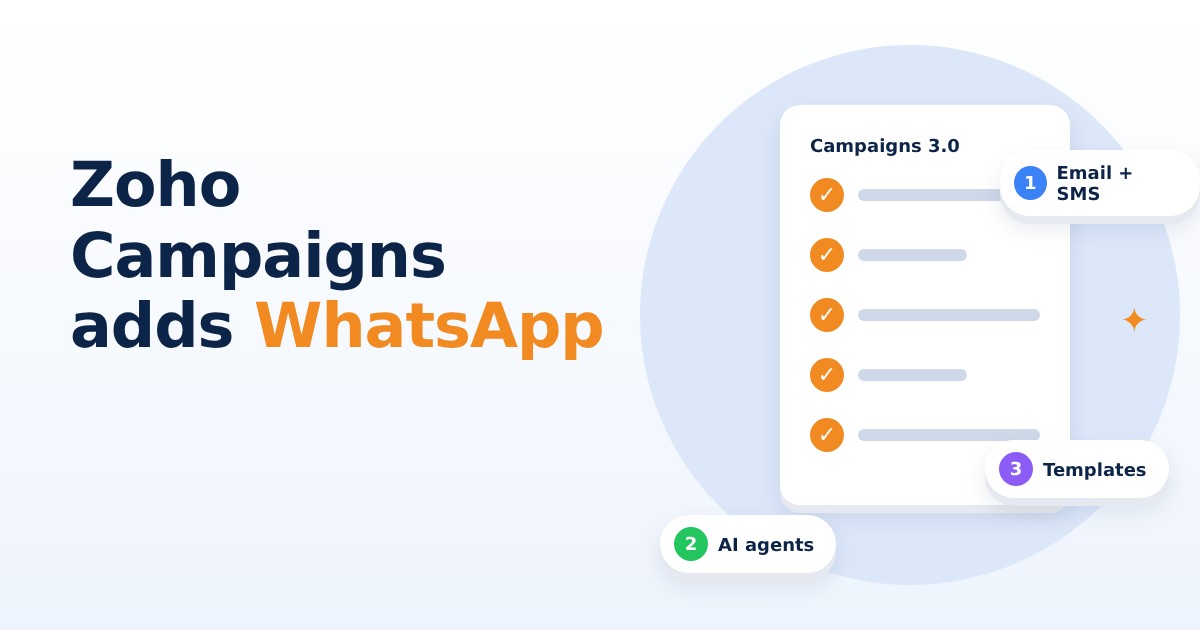
Zoho Campaigns WhatsApp marketing is now built into the platform: Zoho rebuilt Campaigns as version 3.0, adding native WhatsApp campaigns next to email and SMS, plus support for AI agents through the Model Context Protocol (MCP). Zoho announced the update on 29 October 2026 and says it is available now in all regions.
This guide is for owners who send offers, reminders or follow-ups to customers. It explains what is new, what the WhatsApp side costs, and what to check before you move an existing account. Everything below comes from Zoho's announcement and its own help and pricing pages.
What is new in Zoho Campaigns 3.0?
Zoho describes the update as a rebuilt campaign experience: one screen for setting up a campaign, a new template editor, and one connected place for email, SMS and WhatsApp. Zoho's help centre calls 3.0 the AI-driven, latest version, and says new accounts start on it.
Zoho's own testing, as quoted in the announcement, shows sending 100,000 emails up to 4x faster and importing 100,000 contacts up to 5x faster. Treat these as Zoho's figures, not independent results.
- Native WhatsApp marketing: bulk campaigns using approved templates, trigger-based messages, and WhatsApp steps inside automated workflows.
- Frequency capping: limits per day, week or month now cover email, SMS and WhatsApp. In 2.0 it covered email only.
- Better segments: up to 10 criteria per group and 10 groups, against 6 criteria in 2.0.
- Campaign Context: one shared brief with brand voice, promotions and audience that applies across selected campaigns.
- Reporting and sync: dashboards for each channel, live Zoho CRM sync, a Zoho Analytics integration and central UTM management.
How does WhatsApp marketing work in Zoho Campaigns?
You connect your WhatsApp Business account under Settings, then create message templates in the Library. Zoho's help page says Meta must approve a template before you can send it. Templates can include text, images, video, documents and up to 10 quick reply or call-to-action buttons.
Zoho also notes that WhatsApp coexistence lets a number stay active on the WhatsApp Business App. Its pricing page adds that an existing number's WhatsApp account must be deleted first, which it says is a Meta requirement. Read both pages before you connect your main business number.
What does Zoho Campaigns WhatsApp marketing cost?
The announcement says pricing is unchanged and that SMS and WhatsApp capabilities come at no additional platform charge, but sending messages needs purchased credits. Zoho's WhatsApp pricing page says credits are prepaid, do not expire, and are charged only for successfully delivered messages. The cost depends on the message type (marketing or utility) and the recipient country, and a 3% service fee is added on top. That fee does not apply to the 1,000 free monthly conversations the page mentions.
Be careful with two details. First, the announcement says paid plans start at $4 a month, but the pricing page text showed no plan prices in rupees, so check the INR price on Zoho's page yourself. Second, the free plan figures differ: the announcement says up to 500 contacts and 2,000 emails a month, while Zoho's pricing page lists Forever Free as up to 2,000 contacts and 6,000 emails a month. On the pricing page, WhatsApp and SMS are add-ons for the Standard and Professional plans, and the Forever Free plan does not include them.
What are AI agent workflows in Zoho Campaigns?
Zoho Campaigns 3.0 supports MCP, an open standard that lets compatible AI tools work with the product. Zoho's help page names Claude, ChatGPT, GitHub Copilot in VS Code and Cursor as examples. You set it up through Zoho MCP, which the page describes as free: create a server, choose from 83 Zoho Campaigns tools, and add the server URL to your AI tool as a custom connector.
The announcement gives examples such as building a Black Friday campaign for a segment or creating a re-engagement segment for contacts inactive for 90 days. Marketers keep review and approval control, and agents work within permissions you set. Zoho's help page warns that changes made through MCP take effect immediately and cannot be undone, and that the server URL works like a password.
What should you check before moving to Campaigns 3.0?
If you already use Campaigns 2.0, the switch is not instant. Zoho's help page says an admin moves the whole organisation at once, individual users cannot switch, and the change is one-way. Most accounts take up to 30 minutes, and larger ones longer. WhatsApp setup is not part of the migration.
- Prepare first: go through Zoho's prerequisites (topics, integrations, user roles, SMS numbers, contact scoring and scheduled campaigns) and clear every Action required alert.
- Request the switch: Zoho says to email its support team, wait for the account to be reviewed, then select Switch to new version and accept the updated terms.
- Expect a pause: workflows pause during migration, and contacts who hit a trigger in that window are skipped, not queued.
- Check roles: the Standard User role becomes Editor in 3.0.
Zoho Campaigns 3.0 puts WhatsApp, email and SMS in one tool, which helps if your customers already live on WhatsApp. Before you switch, confirm the INR plan price, the message credit rates for India and your WhatsApp number setup on Zoho's own pages, because those details can change.
Frequently asked questions
Does Zoho Campaigns support WhatsApp marketing?
Yes. Zoho Campaigns 3.0 adds native WhatsApp marketing with bulk campaigns using approved templates, trigger-based messages and WhatsApp steps in workflows. Meta must approve each template before you can send it.
Is WhatsApp free in Zoho Campaigns?
Not fully. Zoho says WhatsApp and SMS carry no additional platform charge, but you must buy message credits, and a 3% service fee applies on top. Zoho's pricing page lists WhatsApp as an add-on for the Standard and Professional plans.
Can I go back to Zoho Campaigns 2.0 after moving to 3.0?
No. Zoho's help page says the migration is one-way and the organisation stays on 3.0. An admin moves the whole organisation at once, so check the prerequisites first.
What is MCP in Zoho Campaigns?
MCP is the Model Context Protocol, an open standard that lets AI tools such as Claude or ChatGPT work with Zoho Campaigns through Zoho MCP. Changes made this way take effect immediately and cannot be undone.
Sources
- Zoho rebuilds Campaigns platform (Zoho press release on Marketing Dive) (marketingdive.com)
- Zoho adds AI agent workflows to Campaigns platform (IT Brief) (itbrief.com.au)
- Zoho Campaigns 2.0 vs 3.0 (Zoho Help) (help.zoho.com)
- Zoho Campaigns WhatsApp pricing (zoho.com)
- Zoho Campaigns pricing (zoho.com)
This article is based on the sources above and was current on 10 November 2026.
Need help turning this into results for your business? Talk to the Knight21 team or see our software, AI and digital marketing services.