Website Security Basics Every Small Business Owner Should Check
Small business websites get hacked too, usually through old plugins, weak passwords and missing backups. A plain-language checklist to protect your site and your customers.
Many owners assume hackers only go after banks and big companies. In reality, most attacks on small business websites are automated: bots scan thousands of sites a day looking for an outdated plugin, a weak admin password or a forgotten test page. Nobody chose your site specifically. It was simply easy.
The damage can be real: a site that redirects visitors to spam, a Google warning that scares customers away, stolen enquiry data or days of lost business while it is cleaned up. This guide covers the basic checks every business owner can understand and ask their developer about, without needing any technical background.
Signs your website may already have a problem
Some hacks are obvious, but many are designed to stay hidden so they can keep using your site. Watch for these warning signs and act quickly if you see one.
- Google shows a warning such as "This site may be hacked" or a red security page
- Strange pages appear in Google search for your site, often in other languages or about unrelated products
- Visitors get redirected to other websites, especially on mobile
- Unknown admin users or changed passwords in your website dashboard
- Your hosting company warns you about malware or unusual traffic
- The site suddenly becomes very slow without any changes from your side
The essential checklist
These basics prevent a large share of common attacks. Go through them with whoever manages your website and tick each one off.
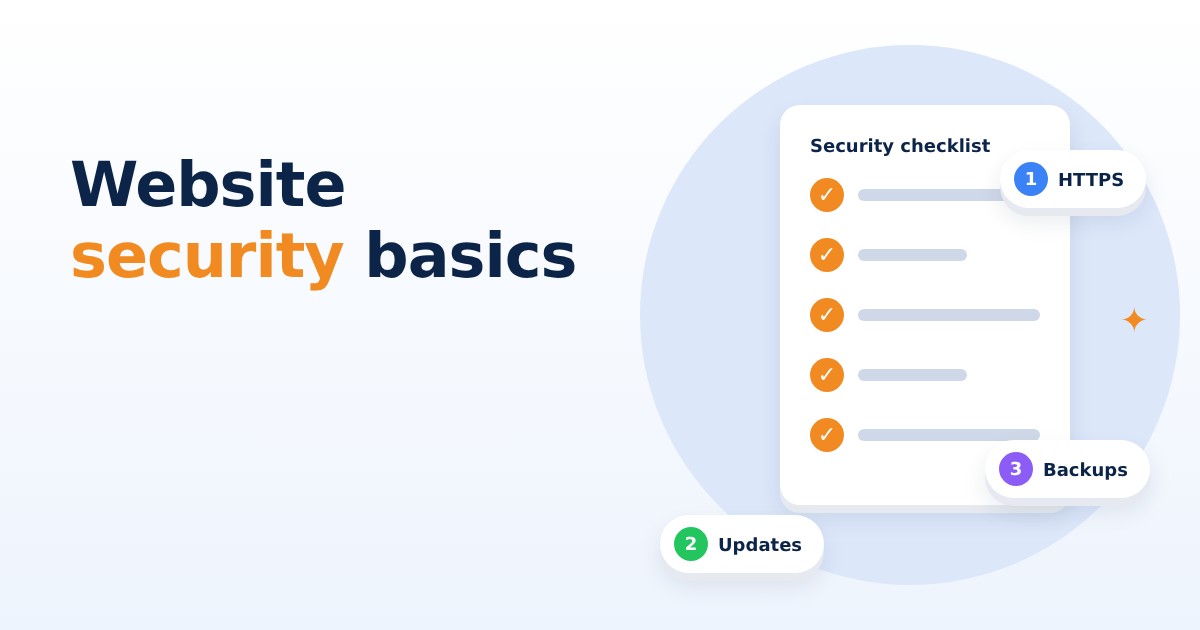
- HTTPS on every page. The address should start with https and show a lock. Most hosts provide a free SSL certificate.
- Updates applied regularly. Keep the website platform, theme and plugins up to date; old versions are the most common way in.
- Strong, unique passwords for the website admin, hosting account, domain account and email, stored in a password manager.
- Two-step verification on the hosting, domain and admin accounts wherever it is offered.
- Only the users you need. Remove ex-staff and old agencies, and give each person only the access their work requires.
- Unused plugins and themes deleted, not just switched off.
Backups: your safety net
Even a well-protected site can have a bad day: a hack, a failed update or a mistake by someone on the team. A recent, working backup turns a disaster into an inconvenience.
Ask three questions. How often is the site backed up? Where are backups stored, ideally somewhere separate from the website's own server? And when was a backup last actually restored as a test? A backup nobody has ever restored is a hope, not a plan.
Protect the data your customers trust you with
Your enquiry forms collect names, phone numbers and sometimes addresses or health and financial details. India's Digital Personal Data Protection Act makes how businesses handle personal data more important than ever, so it is worth keeping data collection simple and careful.
Collect only what you need on forms, make sure enquiries go to a business email account rather than a staff member's personal one, avoid storing card details on your own website, and delete old data you no longer use. If you use a payment gateway, let it handle the payment page.
Own your domain, hosting and access
A surprising number of businesses do not actually control their own website. The domain is registered in a former developer's name, the hosting login sits with an agency that closed, or nobody knows the admin password.
Make sure the domain and hosting accounts are in your business's name, with your business email, and that you hold the main logins. Note the renewal dates and turn on auto-renewal so the site never goes offline because a payment was missed. Developers and agencies should get their own user accounts, which you can remove when the work ends.
Website security for a small business is mostly about steady habits: HTTPS, regular updates, strong passwords with two-step verification, tested backups, careful data handling and clear ownership of your accounts. Pick one item from the checklist this week and work through the rest over the month.
If you would like a security check of your website, or someone to look after updates and backups for you, Knight21 can help. With our small, senior teams, the person who understands your problem is the one who builds the solution. Have a friendly chat with us at knight21.in/contact.