Is Your Website Too Slow? A Practical Speed Guide for Local Businesses
A slow website quietly loses enquiries, especially on mobile data. Learn how to check your site's speed, what usually slows it down and the fixes that matter most.
A customer searches for a clinic, a furniture shop or a coaching centre near them, taps your website and waits. The screen stays white, the logo loads, a big photo crawls in line by line. After a few seconds they press back and tap the next result. You never see that visitor in any report, but you paid for that click with your ads, your Google listing or your SEO effort.
Most of your visitors open your website on a phone, often on mobile data and not always on a strong signal. This guide explains how to check how fast your site really is, the usual reasons small business websites are slow, and the fixes that make the biggest difference, in the order worth doing them.
Why speed matters more than it seems
Speed is the first impression of your business online. Before a visitor reads a word about your service, they have already judged whether your site feels modern and trustworthy, and a slow page feels neglected.
Speed also affects how Google treats your site. Google measures real-world loading experience and uses it as one of many signals for search rankings, so a slow site can make every other marketing effort work a little less well.
- Fewer enquiries: visitors leave before they see your phone number or WhatsApp button
- Wasted ad spend: you pay for clicks from people who never see the page load
- Weaker search visibility: page experience is part of how Google evaluates pages
- Lower trust: a sluggish, jumpy page makes a business look careless
How to check your website's speed in five minutes
You do not need a developer to get a first reading. Open Google's free PageSpeed Insights tool, paste your website address and run the test. Look at the mobile result first, because that is what most of your customers see.
Do not chase a perfect score of 100. Focus on whether the main content appears quickly and whether the page stays still while it loads. Then do a real-world test: open your site on an ordinary phone using mobile data, not office Wi-Fi, and time how long it takes before you can read and tap something useful. Test your home page and your most important service or product page.
The usual reasons small business websites are slow
In our experience, a handful of causes explain most slow sites. The good news is that the biggest ones are often the easiest to fix.
- Huge images: photos uploaded straight from a camera or phone, often several megabytes each, shown at a fraction of that size
- Too many plugins or add-ons: every slider, chat widget, popup and tracking script adds weight
- Cheap or overloaded hosting: a server shared with hundreds of other sites, sometimes located far from your customers
- Heavy themes and page builders: templates that load features you never use on every page
- Autoplay videos and big sliders: a full-screen carousel on the home page is one of the heaviest things a site can load
- No caching: the server rebuilds every page from scratch for every visitor
Fixes that make the biggest difference
Work through these in order. The first two alone often transform a small business website.
After each change, run the same tests again so you know what actually helped.
- Compress and resize images. Save photos at the size they are displayed and in a modern format such as WebP. This is usually the single biggest win.
- Remove what you do not need. Uninstall unused plugins, extra fonts, old tracking codes and that second chat widget.
- Replace the home page slider with one strong image, a clear headline and a call or WhatsApp button.
- Turn on caching and a CDN. A content delivery network serves your files from a location near the visitor.
- Load videos only when tapped. Show a thumbnail and let the video load when the visitor asks for it.
- Upgrade hosting if needed. Reliable hosting costs a little more each month but supports everything else.
Keep it fast after launch
Websites slow down over time. Staff upload new photos without resizing them, someone adds a plugin for one festival offer and never removes it, a new tracking code gets pasted in for an ad campaign.
Make speed part of routine maintenance. Check PageSpeed Insights once a month, give whoever updates the site a simple rule for image sizes, and review plugins and scripts every few months. If a redesign is coming up, ask your developer to treat mobile speed as a requirement from the start, not a fix at the end.
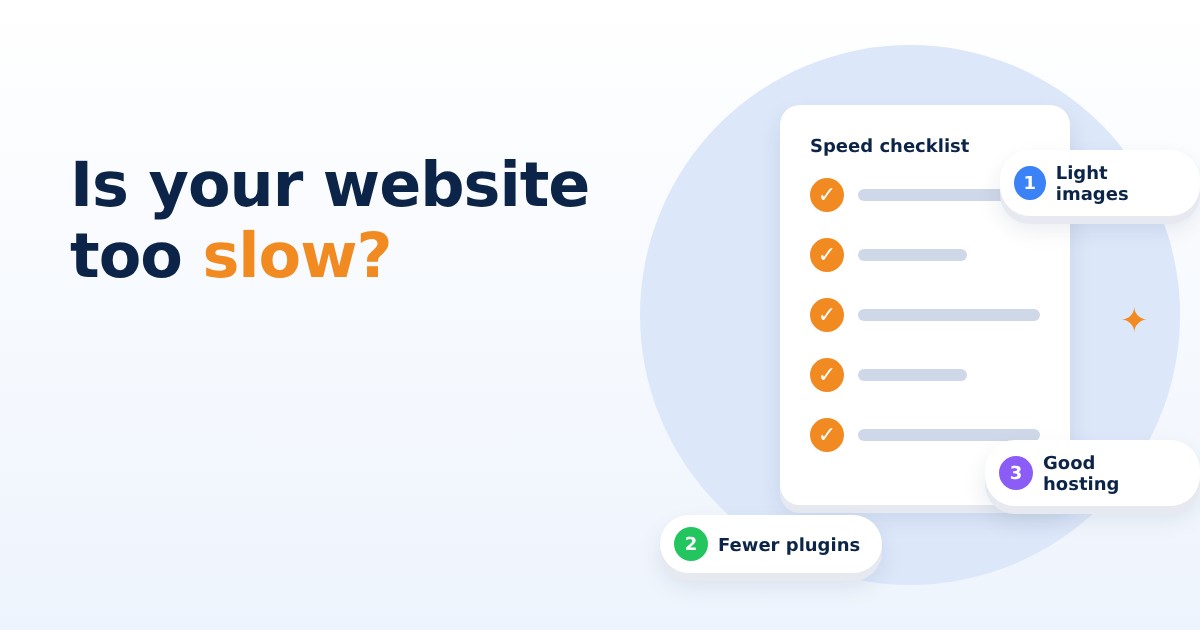
A fast website does not need to be fancy. It needs light images, only the features that earn their place, decent hosting and a habit of checking. Run a speed test on your phone today, and if your main pages take more than a few seconds to become usable, start with the images.
If you would like a clear report on what is slowing your website and a plan to fix it, Knight21 can help. With our small, senior teams, the person who understands your problem is the one who builds the solution. Have a friendly chat with us at knight21.in/contact.